Age Verification
This website contains age-restricted material including nudity and explicit content. By entering, you confirm being at least 18 years old or the age of majority in the jurisdiction you are accessing the website from.
I am 18+ or older - Enter
I am under 18 - Exit
Our parental controls page explains how you can easily block access to this site.

Last posts - Page 1079

  Forum

fitfan
Joined in Aug 2018
162 post(s)

Thank God It's Friday

Everything about iStripper
April 12, 2019, 52 answers
Another great contribution by @wyldanimal with excellent recommendations on hardware and backup practices most users ignore.
Can’t tell you how many times I’ve had to try to recover important data from a failed or damaged HDD with data recovery tools. This can be a very expensive and time intensive process. And depending on what failed, almost impossible in some cases or cost prohibitive.
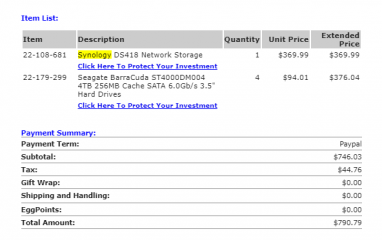
I also have two NAS appliances, one is a retail (QNAP) solution similar to the one shown above. The other is a FreeNAS solution that allows me to use different size and brands of drives to expand my storage solution. It’s allowed me to configure dedicated parity drives and utilize an older smaller 256GB SSD as a dedicated cache drive. Very cool NAS platform for the more technically inclined.

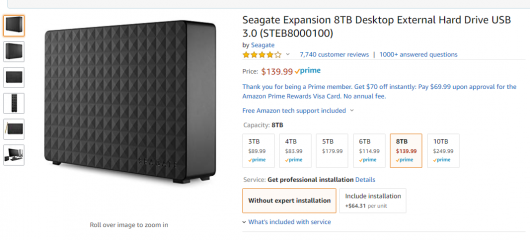
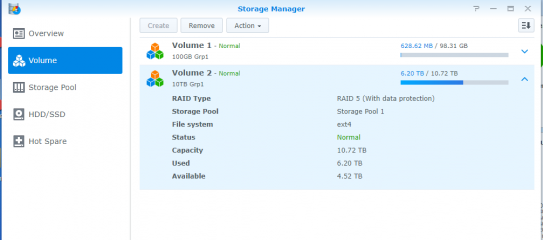
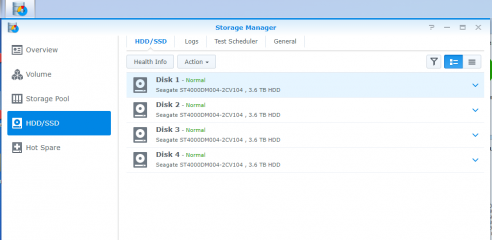
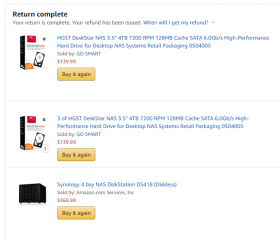
Most branded solution like the one listed above require that you purchase 4 of the exact same drive. And you should purchase at least one extra to have on hand for drive failure replacement. Rebuilding from parity from a large array can take quite a number of hours. With 3 or 4 drives in a raid 5 array you can lose one drive to failure without data loss thanks to drive parity. That is where the back USB drive comes in.
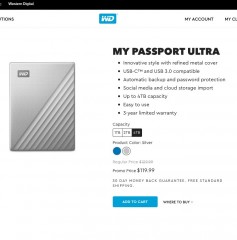
You should backup the NAS in the event of a catastrophic failure to either a local USB or cloud storage based on your comfort with the security of those solutions. And as mentioned have two external drives to rotate.
kaiju
TEAM
Joined in Sep 2014
735 post(s)

Thank GOT it's Friday

Everything about iStripper
April 12, 2019, 73 answers
Thank God It's Friday... J-3 before the final season of Game of Thrones "Winter is coming"!

But before entering the fantastic world of this TV shows, let's see what happened in "our own world", also fantastic in its own way :)


The release of GOT is a good opportunity to release an erotic parody show starring Bonnie Parker as Khaleesi. She looks quite like her by the way! I hope you'll like her show !

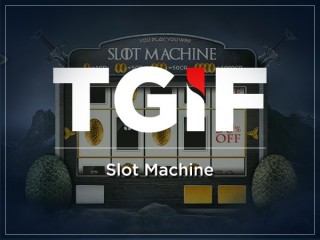
Of course, the universe of Game of Thrones was an excellent source of inspiration for our slot machine:

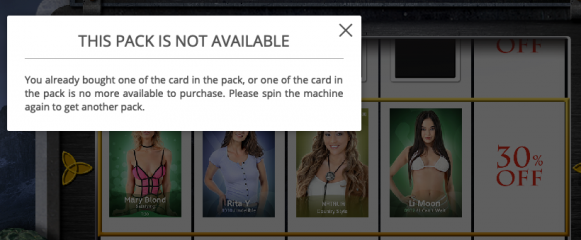
How it works ? The slot machine has 4 rolls with cards & Dragon egg + 1 roll with the discount applied to the cards drawn.
Each spin costs 1 or 2 credits.

Gains:

You win at least a discount on all the cards of the line. The available discounts are :
  • If you spin for 1 credit : -5%, -20%, -30%, -50%
  • If you spin for 2 credits: -10%, -20%, -30%, -70%

But that's not all .You can also win REAL credits when you see a Dragon golden egg on the line :

1 Dragon egg : 1 credit added to your account
2 Dragon eggs: 5 credits added to your account
3 Dragon eggs : 50 credits added to your account.
4 Dragon eggs : 1000 credits added (you read it right, One thousand credits!!)

And you DOUBLE your gain if you bet 2 credits instead of 1 credit!

Of course, combos are possible. For instance, if you have 2 cards, 2 dragon eggs and -50% on your line, then you get 50% off these 2 cards PLUS 5 credits added to your account!

Note : If you want to fully enjoy the new layout of the promo page, I recommend you to update istripper with the lastest version. To do so, just download the version 1.2.226 on istripper.com and launch the exe without uninstalling the old version.

Good luck and enjoy!

Fun fact:

An iStripper model has actually played in Game of Thrones! This is Heidi Romanova!
It was in the episode 7, season 6 entilted "The Broken Man".